
9.1 11336 Release Note
> NEW technology features integrated:
> Show and hide raw part bodies
> Save program documentation separately and define the 3D view
> User templates and management
> Automatically link machine change options
NEW technology features integrated
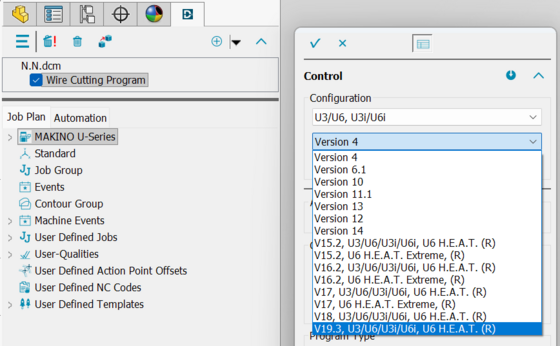
MAKINO U3U6U3iU6i, U6 H.E.A.T. (R) - Technologyversion 19.3
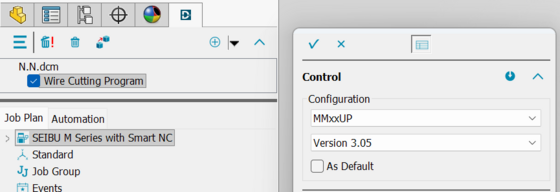
Seibu MM35UPMM50UPMM75UP mit Technologyversion 3.05
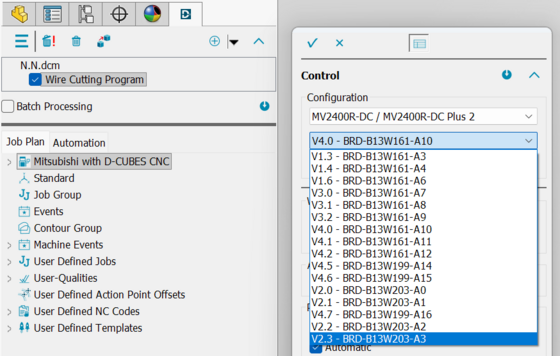
Mitsubishi DCUBES - Technologyversion V2.3 - BRD-B13W203-A3
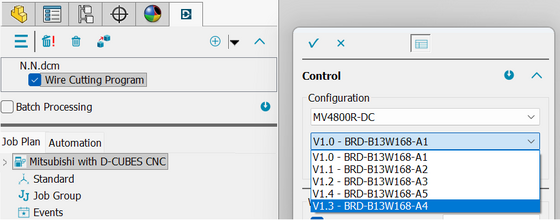
Mitsubishi MV4800R/S Technologeiversion V1.3 - BRD-B13W168-A4
Show and hide raw part solids
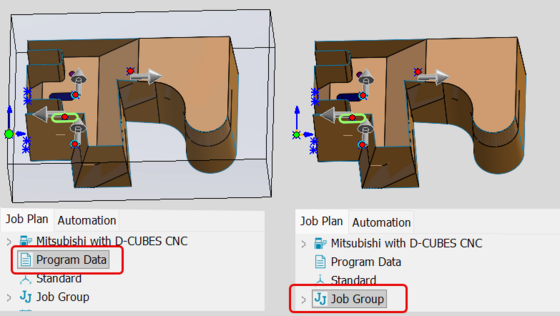
Raw part solids, which are displayed as grids starting in version 9.1, can now be shown or hidden.
-
The raw part solid is displayed via “Program Data.”
-
If an option other than “Program Data” is selected, the raw part solid is hidden.
Save program documentation separately and configure the 3D view
-
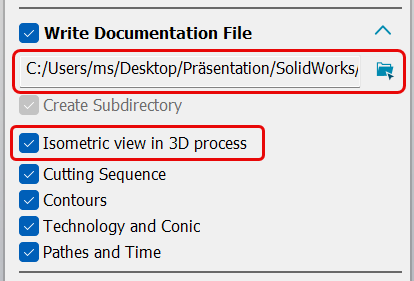
The program documentation is no longer automatically saved with the NC output; instead, it can be saved to a separate directory.
-
The automatic rotation of the part to the 3D view can now be enabled or disabled.
User templates and management
-
New and extensive features for user templates
-
NEW: The Template Manager for managing and organizing user templates.

Automatically link machine change options:
When switching machines, properties such as job technology, material grades, and user NC codes must be checked and adjusted for the newly selected machine.
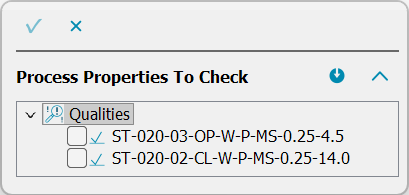
A NEW feature is the ability to link these adjustments the first time the process is run on the new machine. Once a machine change has taken place and the selected adjustments have been linked, they will be applied automatically for future machine changes.DCAMCUT remembers the linked properties. If necessary, these can be removed by clicking the “Unlink” icon.
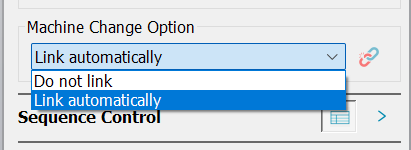
Unlink

Overview